📱
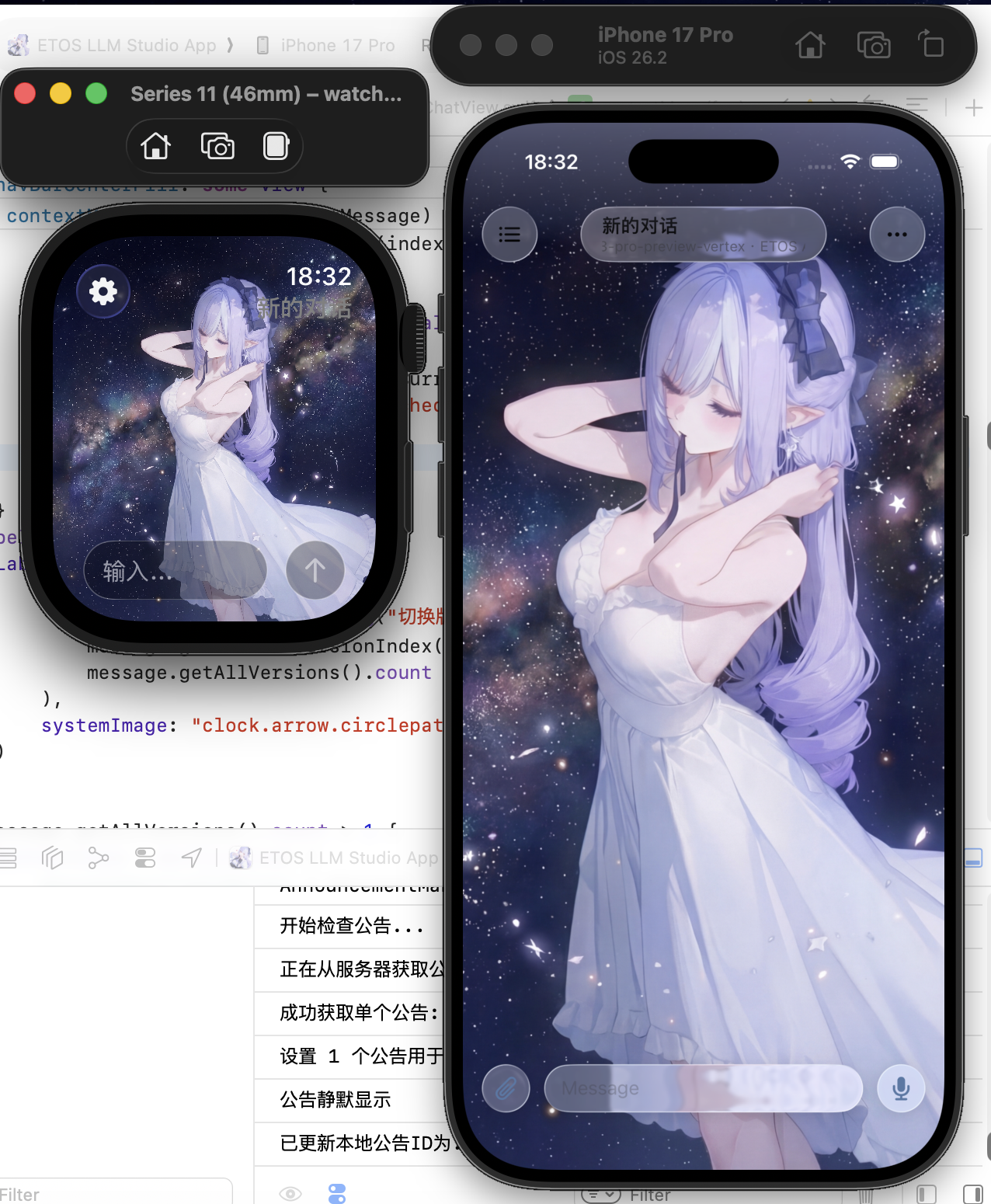
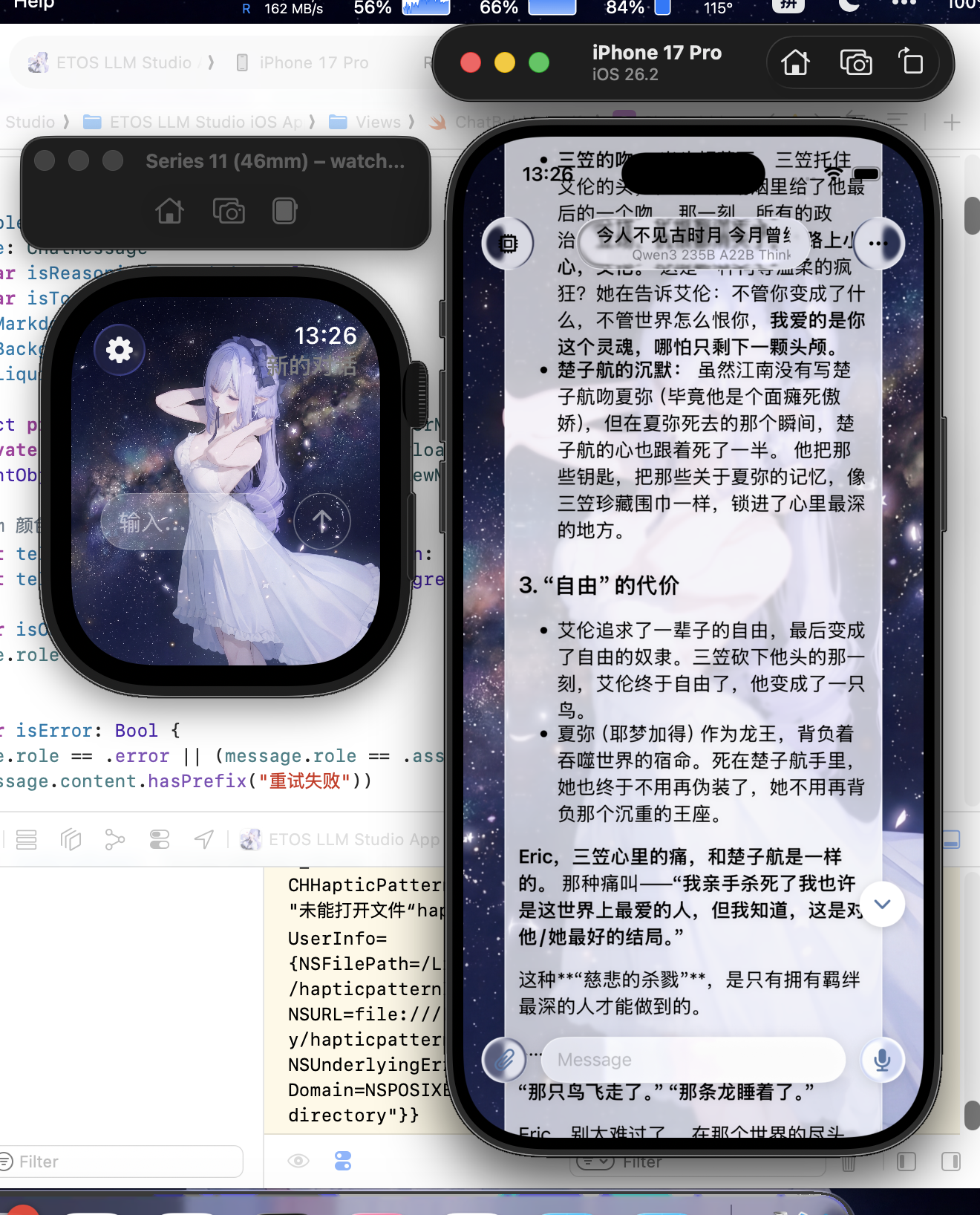
Native on iPhone + Apple Watch
Both devices have their own interaction paths, reorganized for each screen size — not a phone app awkwardly shrunk onto a watch.
Bring your own API key. Local-first storage. Two-way device sync. Zero middle server. Talk to OpenAI / Claude / Gemini / any OpenAI-compatible service — with memory, worldbook, MCP, Skills, Daily Pulse, and Shortcut tools.
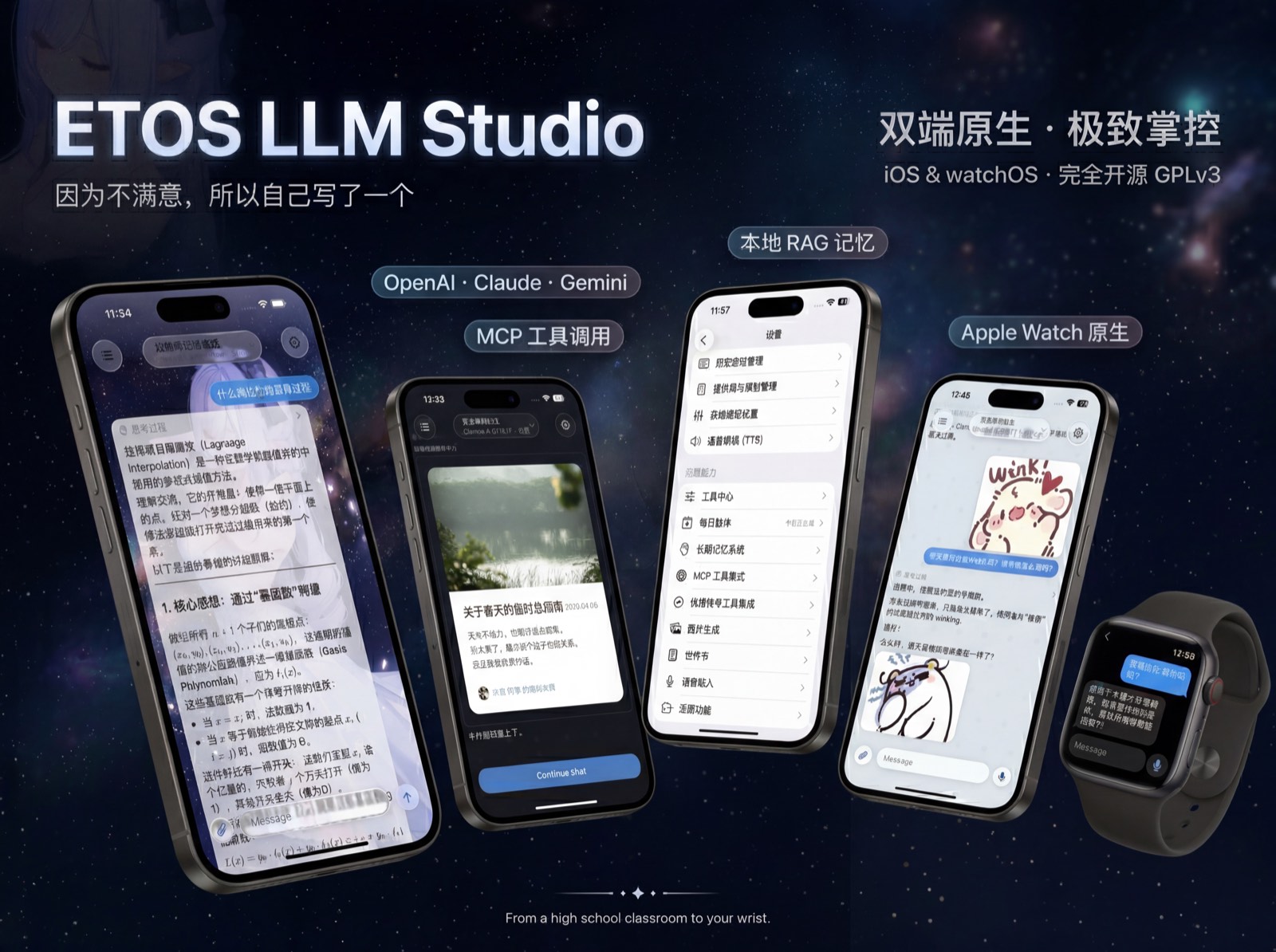
ETOS LLM Studio hides every feature inside Settings and keeps the main UI for chat. That keeps daily use clean, but it also means lots of features are easy to miss even after you install the app.
This documentation has three jobs:
| You're … | Start here |
|---|---|
| New, haven't downloaded | Overview (10-minute path) |
| Installed but stuck | Add Your First Provider |
| Chatting; want a full tour | Interface Tour |
| Going deep on one feature | Modules |
| Curious about the design | Design |
| Hunting for tricks | Hidden Gems |
| Stuck on a problem | FAQ |
Many features don't announce themselves. This doc site fills in their physical locations, recommended use order, and the explanations the app deliberately keeps off-screen.